Bike-Taxi
e.g. Helmet needed, light luggage

RideHopRides
Bike-taxis, autos and cabs across town, tracked from pickup to drop.
Download the app & Start riding now.
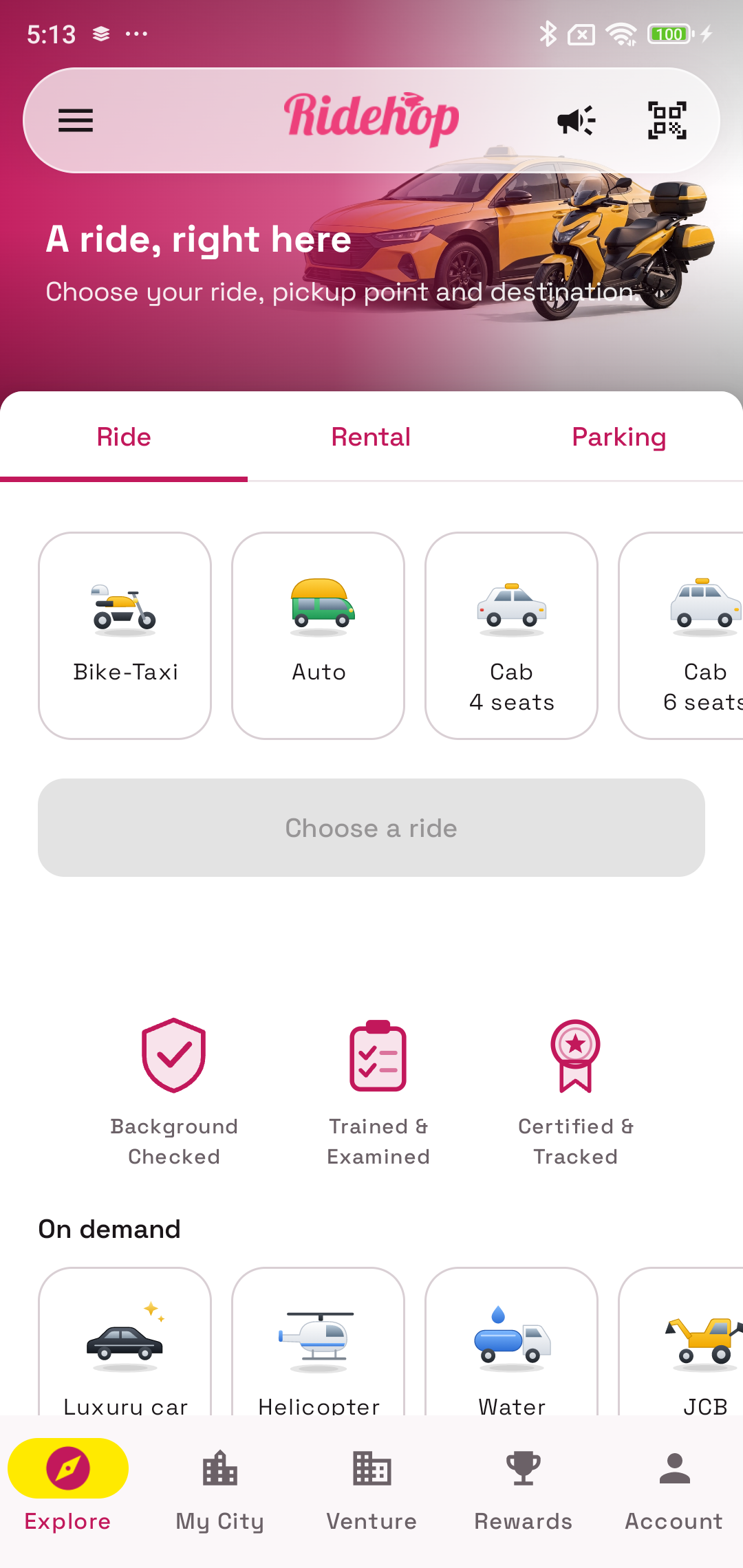
Drop the pins on the map and add a note for the driver, such as a landmark.
Bike-taxi, auto or cab. Pick a driver nearby, or let RideHop find the fastest one.
Watch them come to you, then follow the trip on the map to your drop.
Pay in the app, never in cash. Rate the trip to close it and earn rewards.
Tap a class in the app, then add what the driver should know. These are the notes riders leave.
e.g. Helmet needed, light luggage
e.g. Senior citizen, call on arrival
e.g. AC on, airport pickup
e.g. Child seat, luggage in the boot
e.g. Wheelchair access, extra stop
Every city has its own fare card in the app, for each ride class.
Free on Android and iPhone. Booking happens only in the app.